Wow! Build your WhatsApp integration. Start free. Register Now
Use case — WhatsApp number check API

Check if a number is on WhatsApp

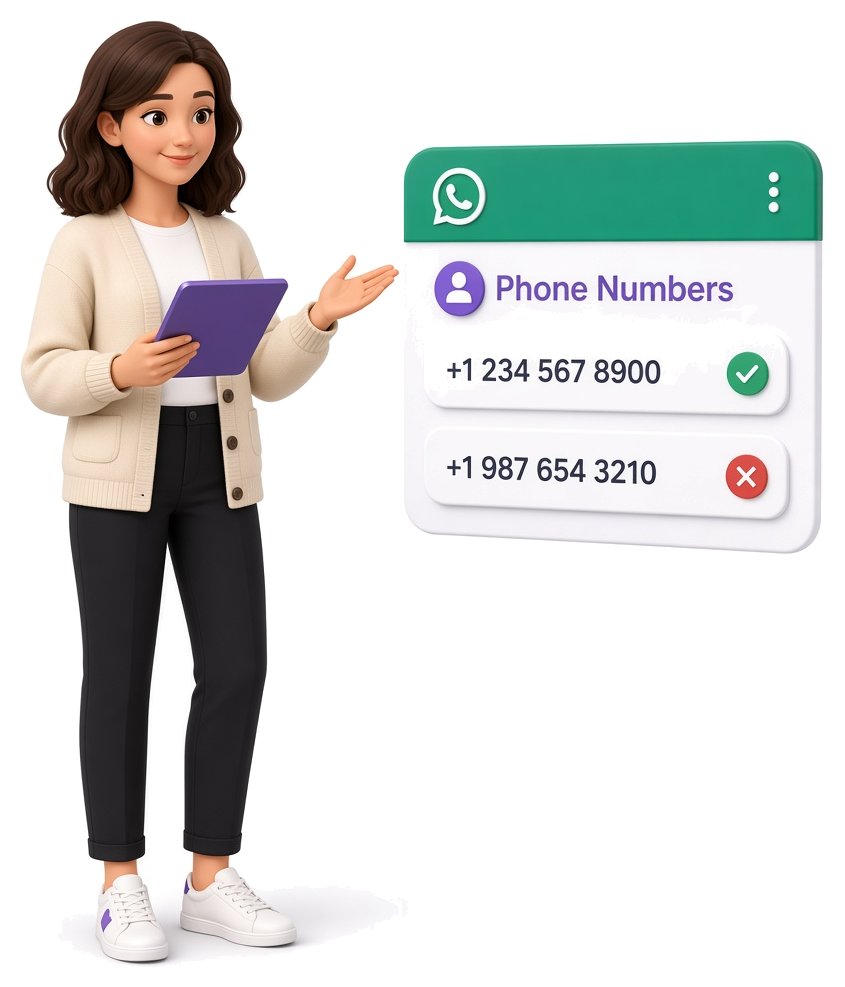
You have a list of phones. Before you send, import to CRM, or start a campaign, you need to know who is on WhatsApp. Connect your WhatsApp to the API once to get automation access, then call POST /contacts. You can check numbers in bulk — the owner is never notified, and you get a clear yes or no on whether each number is on WhatsApp.

Prefer not to set anything up? Send us your list — we check the numbers for you and return a clean result.

Batch check Free Sandbox with limits
WhatsApp number check API use case
Decorartive bubble
Connect your WhatsApp to the API once to get automation access — then check numbers through your channel

Get started in 3 steps

Register and pair WhatsApp via QR

Pair your number via QR

Register free, open your Sandbox channel, and scan the QR code like WhatsApp Web.

Copy API token

Get your API token

Copy your channel Bearer token and try the REST API in curl, Postman, or Swagger — before your first number check.

Call POST /contacts

Check numbers via API

Call POST /contacts with a contacts array of phone numbers. Authorize with your Bearer token.

Use case overview

Turn a phone list into WhatsApp-ready contacts

Your CRM, scripts, or automations need to know which numbers can receive WhatsApp — without sending a message. Whapi.Cloud checks through your connected channel: send one or many numbers in POST /contacts. Each result comes back as valid or invalid. Valid numbers also return wa_id you can reuse in other API calls.

  • Check one number or a batch in a single request

  • status: valid / invalid — no message sent to the contact

  • Get wa_id for valid numbers to use in messaging and other methods

What you get

One API call: phone → WhatsApp status

["447123456789","447955033260"] → POST /contacts → invalid + valid + wa_id

Request (curl)

curl --request POST \
     --url https://gate.whapi.cloud/contacts \
     --header 'accept: application/json' \
     --header 'authorization: Bearer Your_Token' \
     --header 'content-type: application/json' \
     --data '
{
  "contacts": [
    "447123456789",
    "447955033260"
  ]
}
'

HTTP 200 — valid

{
  "contacts": [
    {
      "input": "447123456789",
      "status": "invalid"
    },
    {
      "input": "447955033260",
      "status": "valid",
      "wa_id": "[email protected]"
    }
  ]
}

Check WhatsApp numbers in any programming language

curl --request POST \
     --url https://gate.whapi.cloud/contacts \
     --header 'accept: application/json' \
     --header 'authorization: Bearer Your_Token' \
     --header 'content-type: application/json' \
     --data '
{
  "contacts": [
    "447123456789",
    "447955033260"
  ]
}
'
$curl = curl_init();

curl_setopt_array($curl, [
  CURLOPT_URL => "https://gate.whapi.cloud/contacts",
  CURLOPT_RETURNTRANSFER => true,
  CURLOPT_ENCODING => "",
  CURLOPT_MAXREDIRS => 10,
  CURLOPT_TIMEOUT => 30,
  CURLOPT_HTTP_VERSION => CURL_HTTP_VERSION_1_1,
  CURLOPT_CUSTOMREQUEST => "POST",
  CURLOPT_POSTFIELDS => "{\"contacts\":[\"447123456789\",\"447955033260\"]}",
  CURLOPT_HTTPHEADER => [
    "accept: application/json",
    "authorization: Bearer Your_Token",
    "content-type: application/json"
  ],
]);

$response = curl_exec($curl);
$err = curl_error($curl);

curl_close($curl);

if ($err) {
  echo "cURL Error #:" . $err;
} else {
  echo $response;
}
import requests

url = "https://gate.whapi.cloud/contacts"

payload = {
    "contacts": [
        "447123456789",
        "447955033260"
    ]
}
headers = {
    "accept": "application/json",
    "authorization": "Bearer Your_Token",
    "content-type": "application/json"
}

response = requests.post(url, json=payload, headers=headers)

print(response.text)
const url = 'https://gate.whapi.cloud/contacts';

const response = await fetch(url, {
  method: 'POST',
  headers: {
    accept: 'application/json',
    authorization: 'Bearer Your_Token',
    'content-type': 'application/json',
  },
  body: JSON.stringify({
    contacts: ['447123456789', '447955033260'],
  }),
});

console.log(await response.text());
OkHttpClient client = new OkHttpClient();

MediaType mediaType = MediaType.parse("application/json");
RequestBody body = RequestBody.create(mediaType, "{\"contacts\":[\"447123456789\",\"447955033260\"]}");
Request request = new Request.Builder()
  .url("https://gate.whapi.cloud/contacts")
  .post(body)
  .addHeader("accept", "application/json")
  .addHeader("authorization", "Bearer Your_Token")
  .addHeader("content-type", "application/json")
  .build();

Response response = client.newCall(request).execute();
using RestSharp;

var options = new RestClientOptions("https://gate.whapi.cloud/contacts");
var client = new RestClient(options);
var request = new RestRequest("");
request.AddHeader("accept", "application/json");
request.AddHeader("Authorization", "Bearer Your_Token");
request.AddHeader("content-type", "application/json");
request.AddJsonBody(new { contacts = new[] { "447123456789", "447955033260" } });
var response = await client.PostAsync(request);

Console.WriteLine("{0}", response.Content);
FAQ

Common questions about WhatsApp number checks

Yes. POST /contacts returns whether the number has WhatsApp. It does not send a message or notification to that contact.
Use POST https://gate.whapi.cloud/contacts. Send a JSON body with a contacts array of phone numbers. Authenticate with your channel Bearer token.
Yes. Batch check provisioning is supported — pass multiple numbers in contacts. For large lists, see available number-checking options, including the API, no-code interface, and managed checking service.
Sandbox and trial allow up to 30 number checks per day. Paid plans have no Whapi check limit.
HTTP 200 with a contacts array. Each item has input (the number you sent) and status (valid or invalid). If valid, you also get wa_id for other API calls.
Yes. The method needs channel authorization (HTTP 401 without it). Register, create a Sandbox channel, scan the QR code, then call POST /contacts with that channel's token.
Register free at panel.whapi.cloud, pair WhatsApp via QR, copy the Bearer token, and call POST /contacts with a contacts array.
force_check (default false) re-checks a number even if the result is already in cache. Use it when you need a fresh result; leave it off to reuse cached checks.
Yes — there is a risk. Checking huge lists instantly looks unnatural to WhatsApp. Slow the checks (batch size, delays, warm-up), or skip connecting your own number and order a done-for-you bulk check from our team.
Check if a number is on WhatsApp
WhatsApp number validation without development

No-code WhatsApp number checking

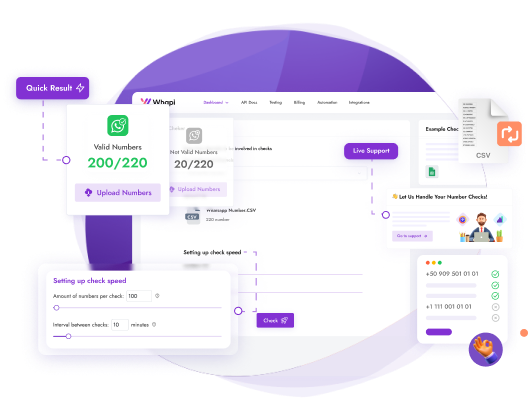
How to bulk verify whether phone numbers are registered on WhatsApp? Whapi.Cloud provides a no-code WhatsApp number checker designed for bulk validation without development.
Easily upload or process large lists of phone numbers, filter out invalid or inactive ones, and work only with real WhatsApp users — quickly and accurately.

  • Flexible usage: API access or done-for-you bulk checks
  • No technical limits on check speed and volume
  • Easy to use, even without technical background

Bulk check via API? Sure!

If you are a developer, you might find our open source project for software number check useful! This tool was created using our public API. You can find out the status of a phone number or an array of numbers through our HTTP API.
Additional features: online status, last seen and more
Suitable for CRM systems, data pipelines and integrations
Stable API designed for batch and automated number checks
Check any numbers imported from a CSV file and save with any filters
How it works under the hood

How WhatsApp number checking works

WhatsApp number checking verifies whether a phone number is registered on WhatsApp.
From a user perspective, this is similar to starting a chat with a phone number in WhatsApp — if the number is not registered, WhatsApp clearly indicates it.
Whapi.Cloud performs this check programmatically through an API channel using a connected WhatsApp number and real-time socket communication, without relying on the WhatsApp user interface.
If you prefer not to use your own number, you can order a done-for-you bulk check handled by our team.

How it works under the hood
Decorartive bubble
The best Number Checker for WhatsApp
100% accurate and High-Speed Validator

Limited free WhatsApp number checking

You can test WhatsApp number checking using our Sandbox plan with limited daily quotas (up to 30 numbers per day). This option is intended for testing, small checks and evaluation.
If you need to validate larger lists, you can either upgrade to API access or use our done-for-you bulk checking service — where we process your entire list and deliver clean results for you.

  • Clear your database of unnecessary numbers
  • Optimize your resources and save time and money
  • Integrate into your application or program
line
WhatsApp API Usage
line

See What Our Clients Built
with Whapi.Cloud

“Every morning ops gets today’s Guesty check-ins as one WhatsApp message — VIP tags, late arrivals, room notes. Nobody opens the PMS dashboard first.”

Guesty-to-WhatsApp room alerts

Muhammad Hisham Akram
“We watch RSS feeds, summarize each article, generate a vertical image, and post it as a WhatsApp Story. Open rates beat email because the story is already in the app.”

RSS feed to daily WhatsApp Stories

Hamza Irshad
“Patients book, look up, and reschedule on WhatsApp 24/7. Pricing and sensitive questions never stay with the agent — they escalate to a human.”

Clinic bookings with human handoff

Thelma Ekeli Ekomboni Ekema
“Field staff log a visit in under a minute. Twice a day the WhatsApp group shows who visited, who is active, and who didn’t — problems surface in hours, not at week’s end.”

Twice-daily field-team summaries

Kenny Kwanto
“The bot answers routine WhatsApp messages, then stops the moment an emergency intent appears and routes to a person. It does not pretend to handle life-critical cases.”

Emergency detection and human escalation

Akhil Devarapu
“Exam reminders go out to thousands of students because sends are paced and content varies. A raw blast would trip WhatsApp spam limits.”

Rate-limited student reminders

Gurkirat Singh
“Gmail, WhatsApp, and web forms land in one CRM agent. Escalation stays under 25%, and WhatsApp cost stays a flat per-number fee.”

Multi-channel AI customer-success agent

Ahsen Adil
“Managing multiple WhatsApp groups is simple with Whapi.Cloud. I can oversee group activity, manage admins, and post updates effortlessly. It’s a perfect way to generate leads directly from WhatsApp groups.”

Group Management and Lead Generation from WhatsApp Groups

Carlos da Silva
“Our hotel uses WhatsApp to send guests essential check-in details like door codes. This ensures they always have the info they need. We can even process photos guests send, such as proof of checkout.”

Smart Hotel Communication for Check-In and Guest Support

Ana-Maria Ionescu
“We manage a WhatsApp Channel and use Whapi.Cloud to monitor similar channels and competitors, scraping the best deals and posting them for our audience.”

Automated Discount Channel Management

Katrin Schneider
“We use Whapi.Cloud to verify which numbers in our database are on WhatsApp by sending cascading broadcasts. This way, we filter our contacts, reduce marketing costs, and know our messages reach active users-maximizing campaign efficiency.”

WhatsApp Number Verification and Audience Filtering

Sergio Navarro
“Our hospital’s bot, powered by Whapi.Cloud, lets patients see available appointment slots for specific doctors and notifies them when test results are ready. It keeps everyone informed and reduces the time our team spends on manual updates.”

Hospital Bot for Appointment Scheduling and Notifications

Fernanda Oliveira
“We use personalized promotional offers to engage customers weeks after their purchase, sending out exclusive discount vouchers via WhatsApp. We also send a special offer for each customer’s birthday, which boosts loyalty and keeps them coming back.”

Customer Loyalty and Retention

Lukas Wagner
“As soon as an order ships, our customers get tracking details and delivery updates directly on WhatsApp. This real-time communication builds trust and reduces the number of inquiries we receive after purchase.”

Order Tracking and Delivery Updates

Matei Popescu
“If a customer leaves items in their cart on our site, WhatsApp Bot automatically sends a friendly reminder. This gentle nudge has significantly increased our checkout rate, helping us convert more sales.”

Abandoned Cart Reminders

Hans Müller
Automate <span>WhatsApp</span> number checks with Make and n8n
No-code automation

Automate WhatsApp number checks with Make and n8n

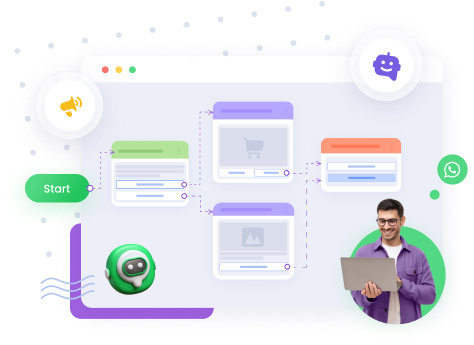
Connect WhatsApp number checking to Make or n8n and automate validation flows without backend development. Perfect for marketers, analysts and teams working with large datasets.

Decorartive bubble
AI agents & automation

Use WhatsApp number checks inside AI agents via MCP

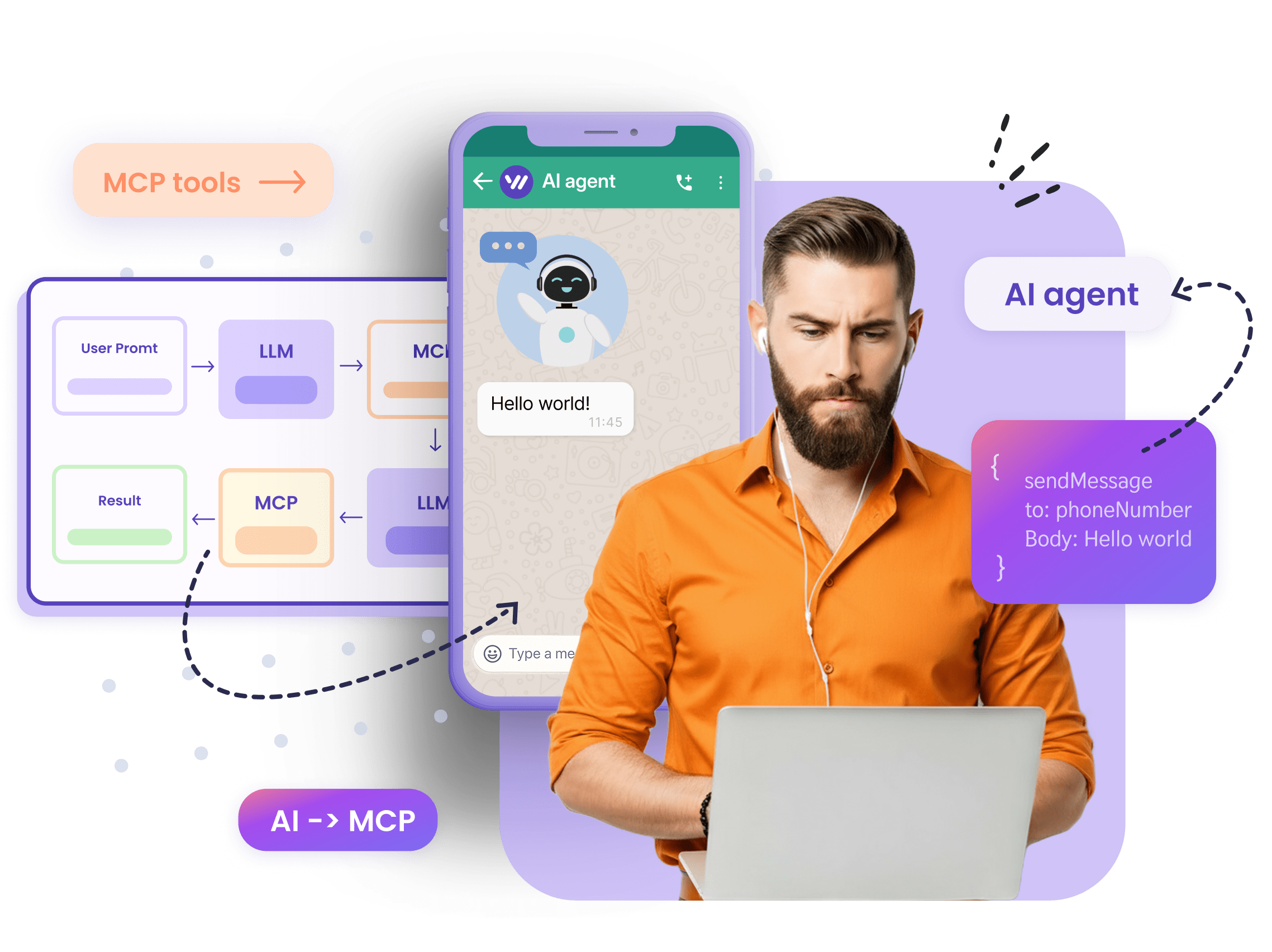
Whapi.Cloud supports MCP integrations, allowing AI agents to check WhatsApp numbers and trigger actions automatically. This is ideal for AI-driven workflows, research agents and intelligent automation without manual intervention.

Account screenshot
Decorartive bubble